I have been working on a project recently to assist a customer in upgrading thousands of devices in their network. Managing such a large-scale upgrade requires automation to ensure consistency, efficiency, and reduced manual intervention.
For this project, AWX was selected as the automation UI platform, providing a powerful interface for managing Ansible playbooks, job templates, inventories, and credentials.
What is AWX?
AWX is the upstream open-source project for Red Hat Ansible Tower.
It provides an intuitive web UI for:
- Organizing Ansible projects
- Executing playbooks
- Managing credentials
- Defining inventories
- Creating job templates and surveys
AWX is especially useful when automating network device upgrades, where thousands of routers/switches require consistent and validated operations.
AWX’s Limitation with Interactive Prompts
One challenge I encountered:
AWX cannot handle interactive CLI prompts from network devices.
During Cisco IOS XE upgrades, devices commonly send prompts (e.g., “Are you sure?”).
AWX jobs cannot respond to these prompts, causing the playbook to hang or fail.
This limitation required a workaround.
Workaround: Using Cisco Embedded Event Manager (EEM)
To bypass interactive prompts, I used EEM scripts.
EEM runs natively on Cisco devices and can automatically respond to system prompts during upgrades.
This ensures:
- The playbook execution does not pause
- The upgrade workflow remains non-interactive
- AWX can perform fully automated rolling upgrades across thousands of devices
This combination — AWX orchestrating automation + EEM handling device-level interactivity — proved extremely stable.
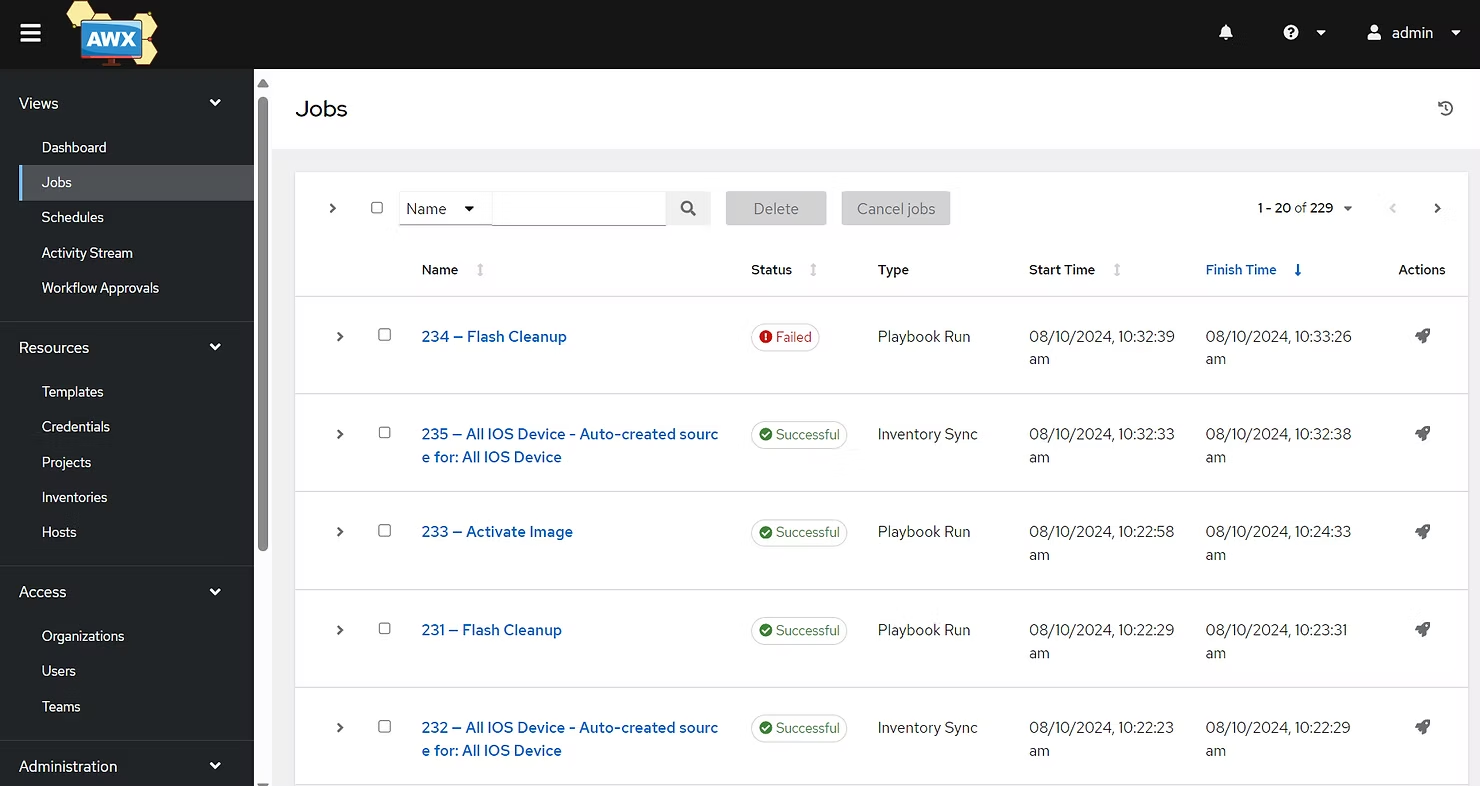
Building a 3-Node Kubernetes Cluster for AWX
Before deploying AWX, I built a 3-node Kubernetes cluster:
- 1 control plane
- 2 worker nodes
Key components:
- Deployed using
kubeadm - containerd as the container runtime
- Installed pod network (CNI plugin)
- Configured networking/storage classes for AWX persistence
This Kubernetes foundation provides:
- High availability
- Scalability
- Resilience
Ideal for large-scale automation platforms like AWX.
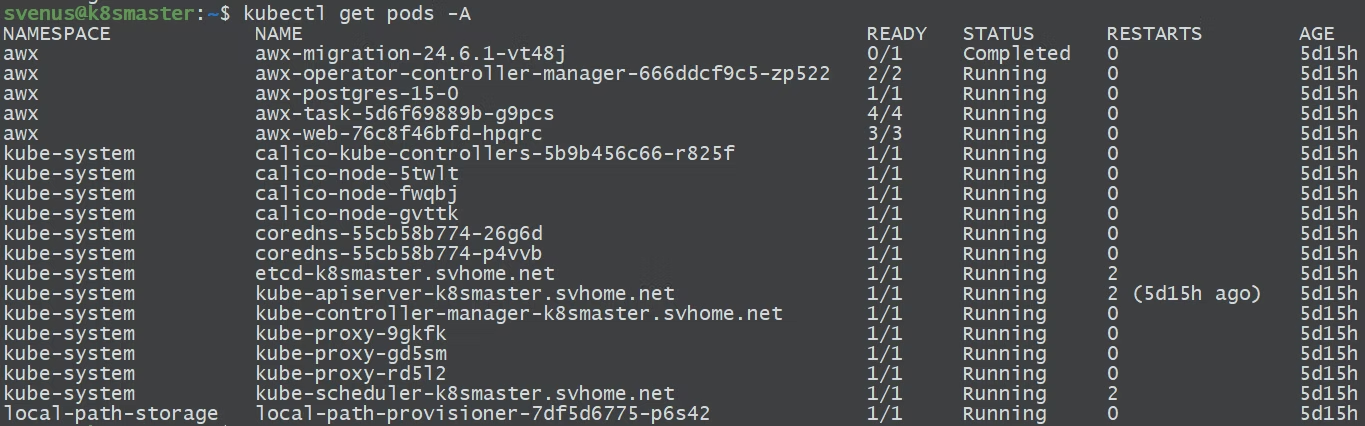
Installing AWX Using the AWX Operator
With Kubernetes ready, the next step was deploying AWX using the AWX Operator.
At the time of writing, I was using AWX 24.6.1.
The AWX Operator greatly simplifies:
- Deploying AWX
- Managing upgrades
- Handling AWX pods
- Maintaining AWX configuration
It’s the recommended method for AWX on Kubernetes.
Setting Up Custom Execution Environments or Using Requirements YAML
By default, the AWX Operator does not include Cisco-related Ansible collections.
There are two approaches to include necessary dependencies:
Option 1 — Custom Execution Environment (EE)
Build a custom EE that includes:
- Python libraries
- netmiko
- ncclient
- Cisco Ansible Galaxy collections
Requires building a Dockerfile, then pushing the built EE image to a registry (Docker Hub / GHCR / internal repo).
AWX then uses this EE for job execution.
Option 2 — requirements.yaml
Create a requirements.yaml under your project:
collections:
  - cisco.ios
  - cisco.iosxe
  - community.network
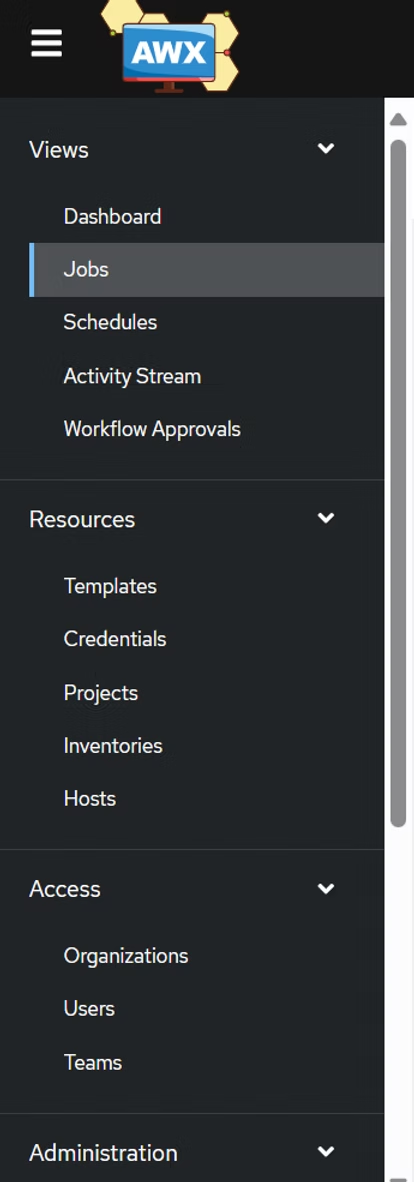
AWX User Interface Overview
For those new to AWX, the UI offers a clear and structured way to manage automation.
Projects
This is where you link the Git repositories containing the Cisco IOS XE upgrade playbooks.
Projects can be synced to pull the latest playbook updates.
Note: Synchronisation is not automatic — every time you commit to Git, you must click Sync in AWX.
Inventories
Devices (routers and switches) are organised into Inventory Groups.
This allows you to separate devices by type or purpose, ensuring the correct playbooks are applied to the right devices.
Credentials
Device access credentials are stored securely within AWX, including SSH keys and passwords.
This makes it easy to automate connecting to Cisco devices during playbook execution.
Templates
Playbooks are turned into Job Templates, with surveys to capture necessary inputs such as:
- firmware versions
- file names
- checksum values
The AWX UI makes managing these components and automating the entire upgrade workflow straightforward and scalable.
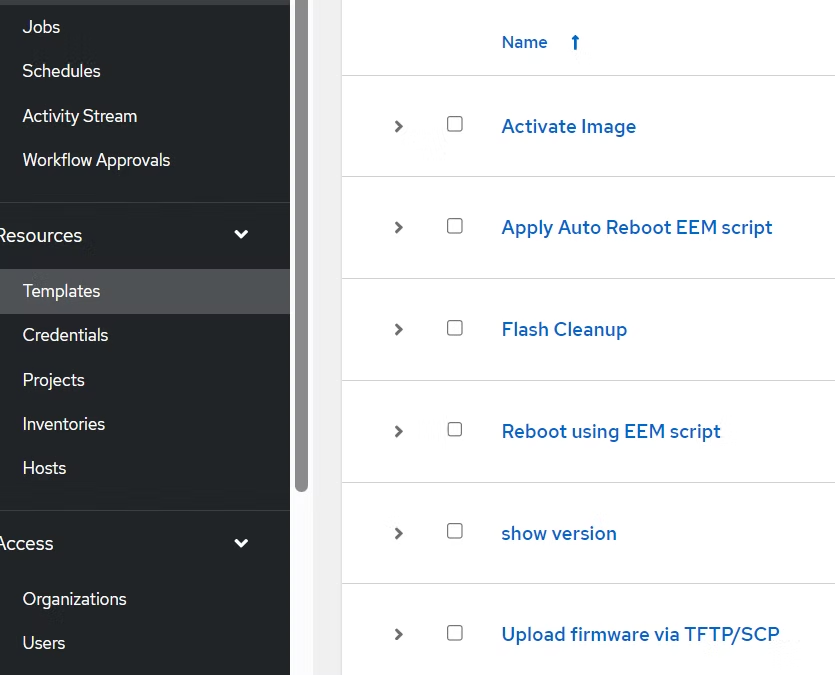
AWX Job Templates for Cisco IOS XE Upgrades
The playbooks for upgrading Cisco IOS XE devices were ported into AWX as templates.
Key templates included:
Activate Firmware (activate.yaml)
This template uses a survey to capture variables such as:
target_versionupgrade_filenamemd5_checksum
These parameters ensure a smooth firmware activation process using the install activate command.
Flash Cleanup (cleanup-flash.yaml)
This template removes old, inactive files from the device’s flash memory using the install remove inactive command.
Upload Firmware via TFTP/SCP (upload-image-tftp.yaml)
This playbook handles the firmware file upload, with survey options for:
- selecting the transfer mode (TFTP or SCP)
- specifying the
server_ip - validating available storage space on the device
The flexibility provided by AWX’s job templates and survey mechanisms makes it possible to customise the upgrade process for different device types with minimal manual intervention.
Repository
For those who missed my Github repository, visit here: svenuscf/ansible-cisco-upgrade (github.com). A new sub-directory awx is created to store related playbooks for AWX deployment.
Good luck!